



The device window
An Android phone that feels at home on your Mac
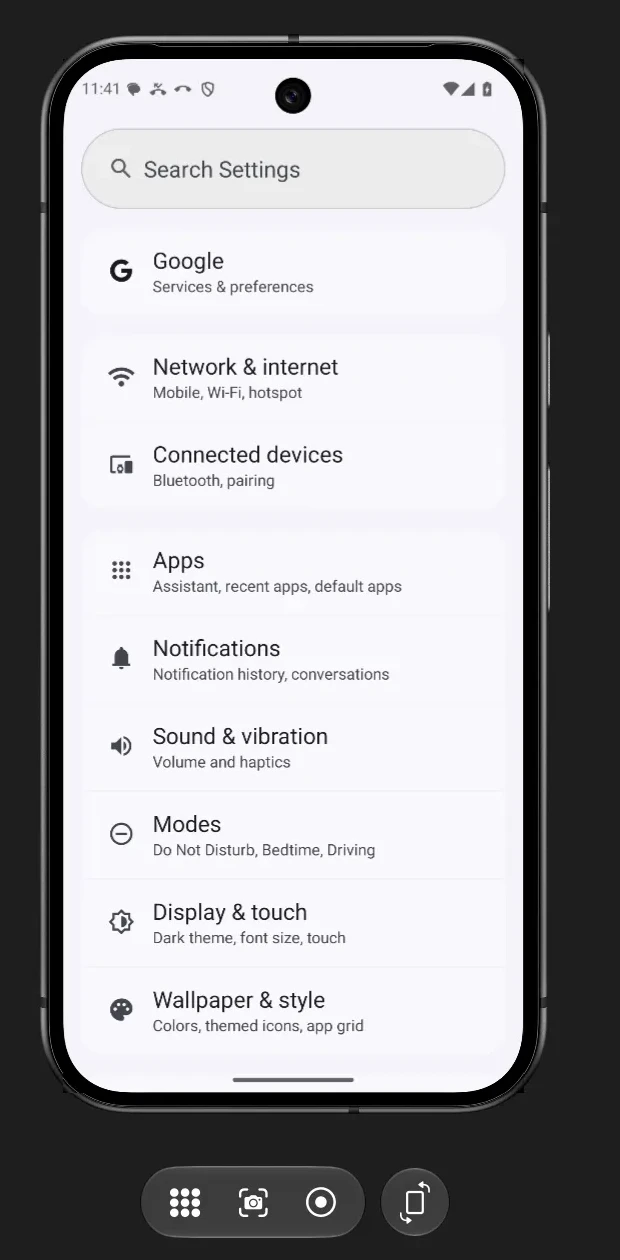
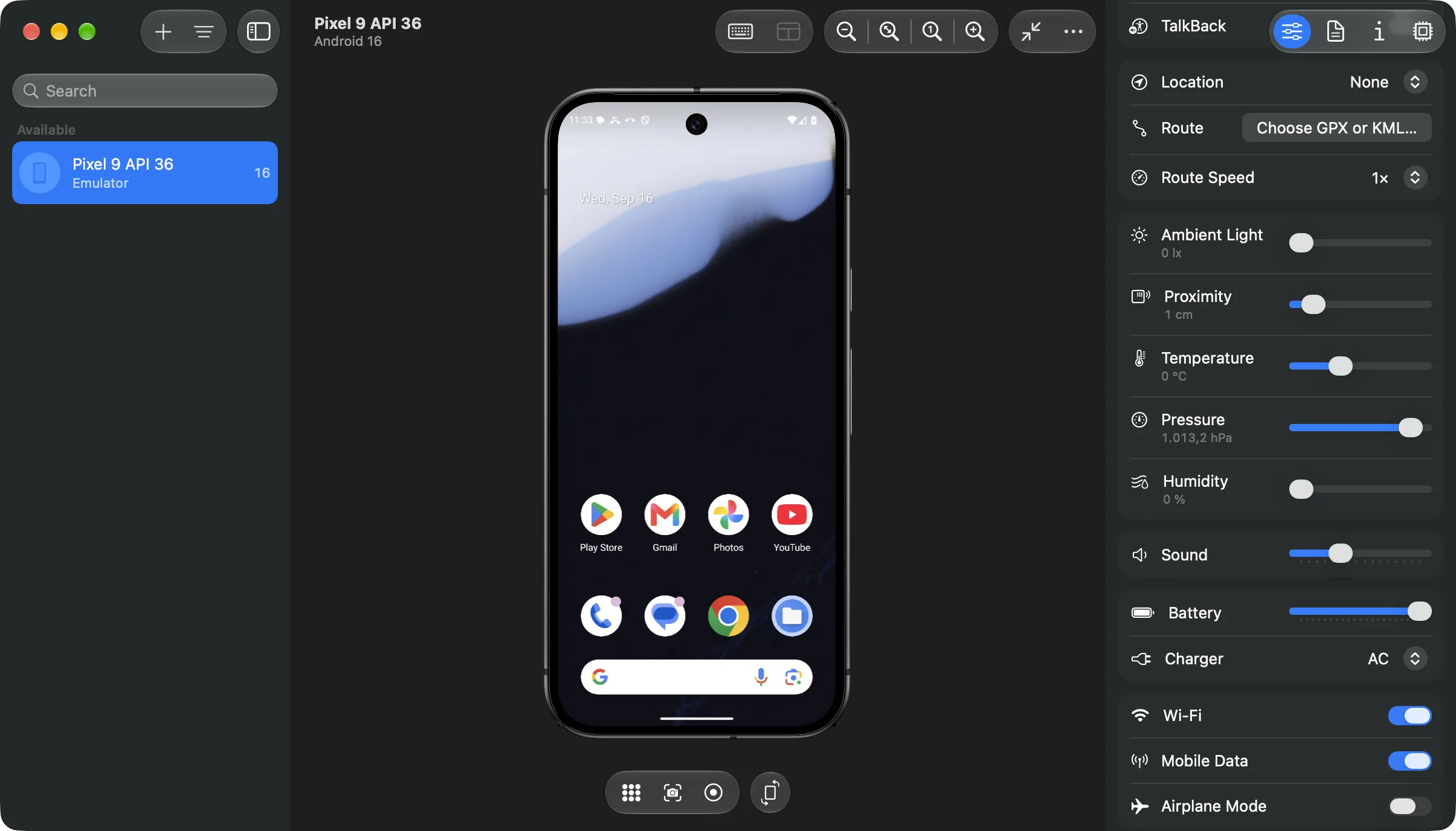
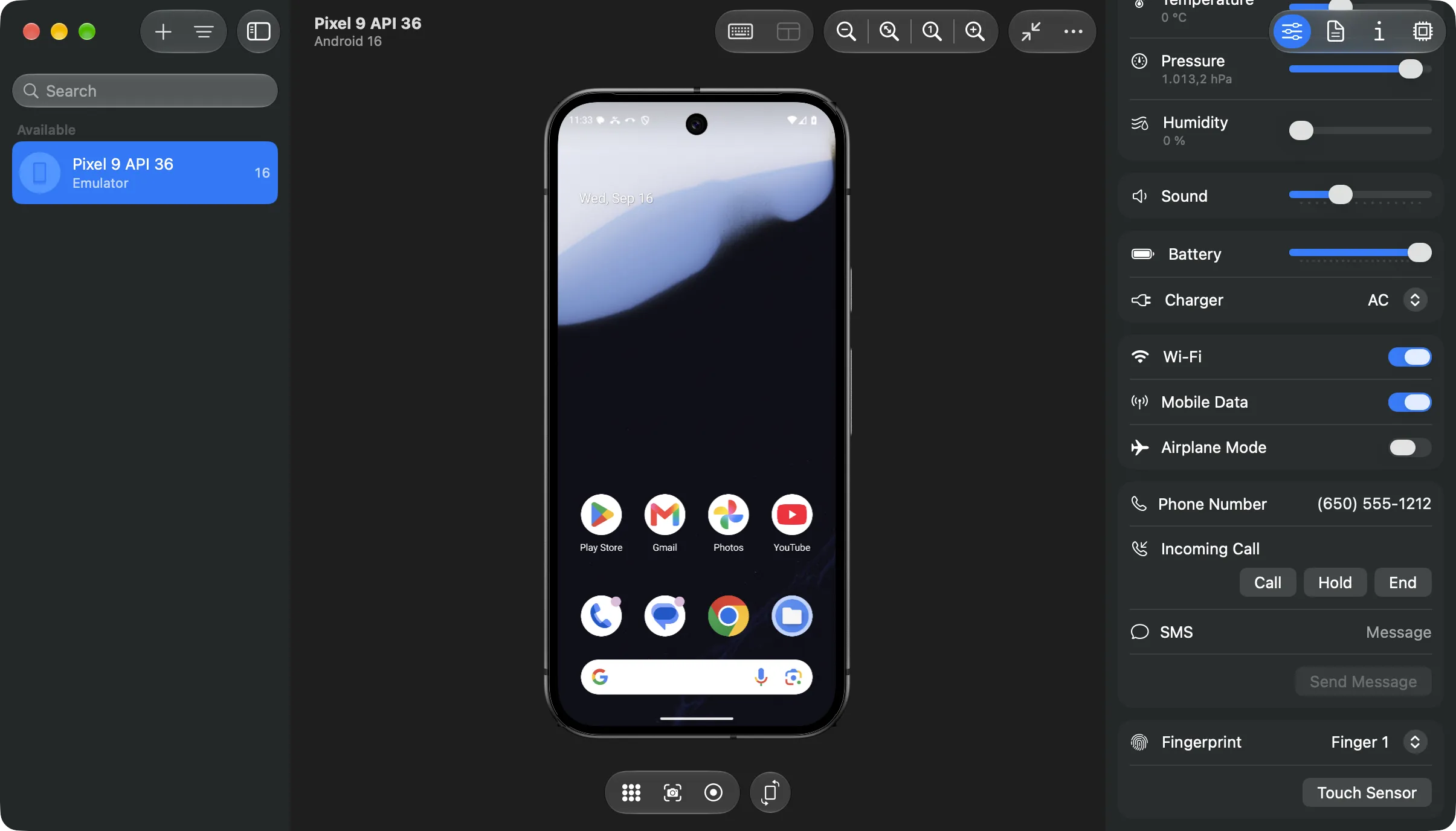
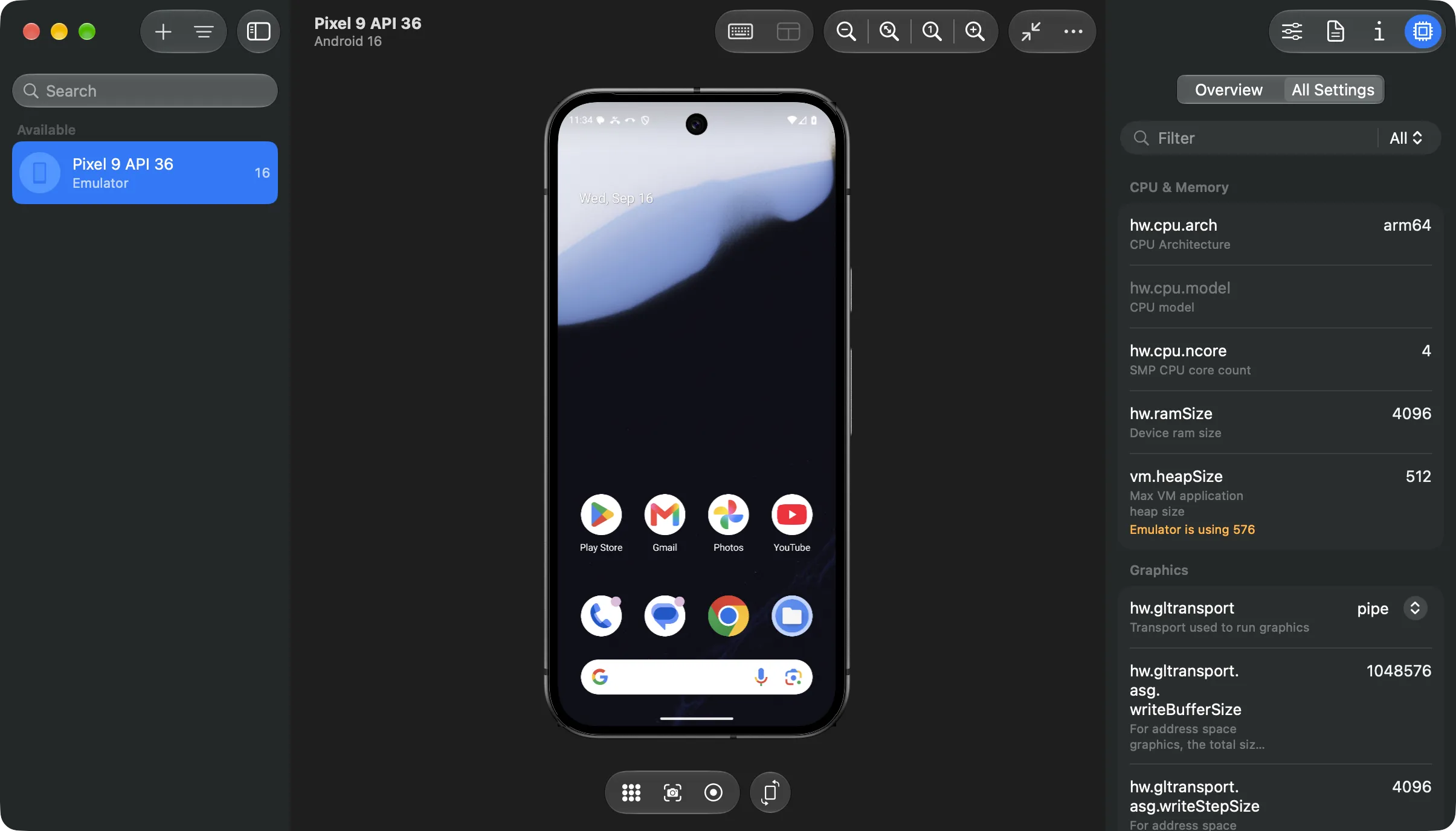
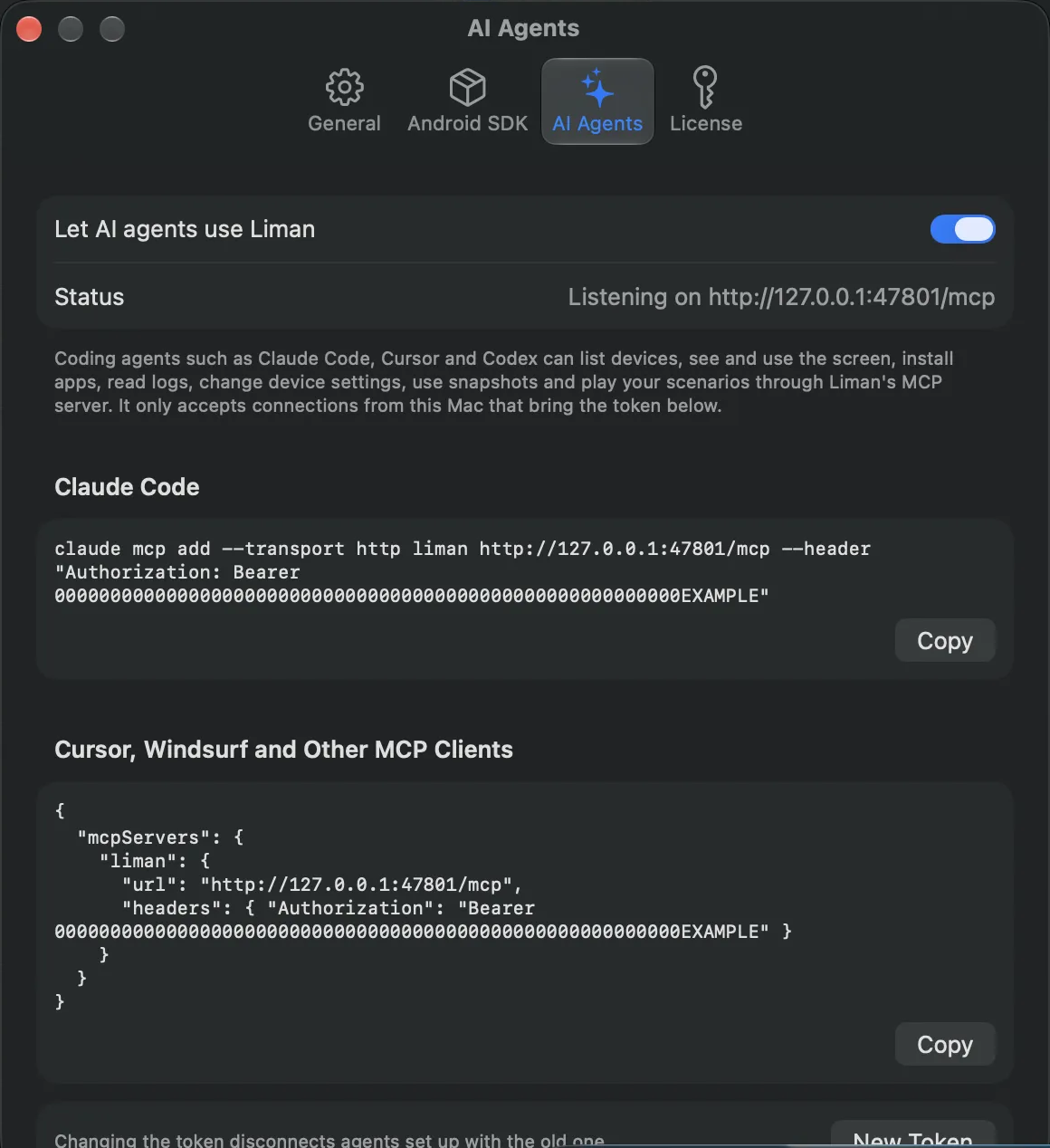
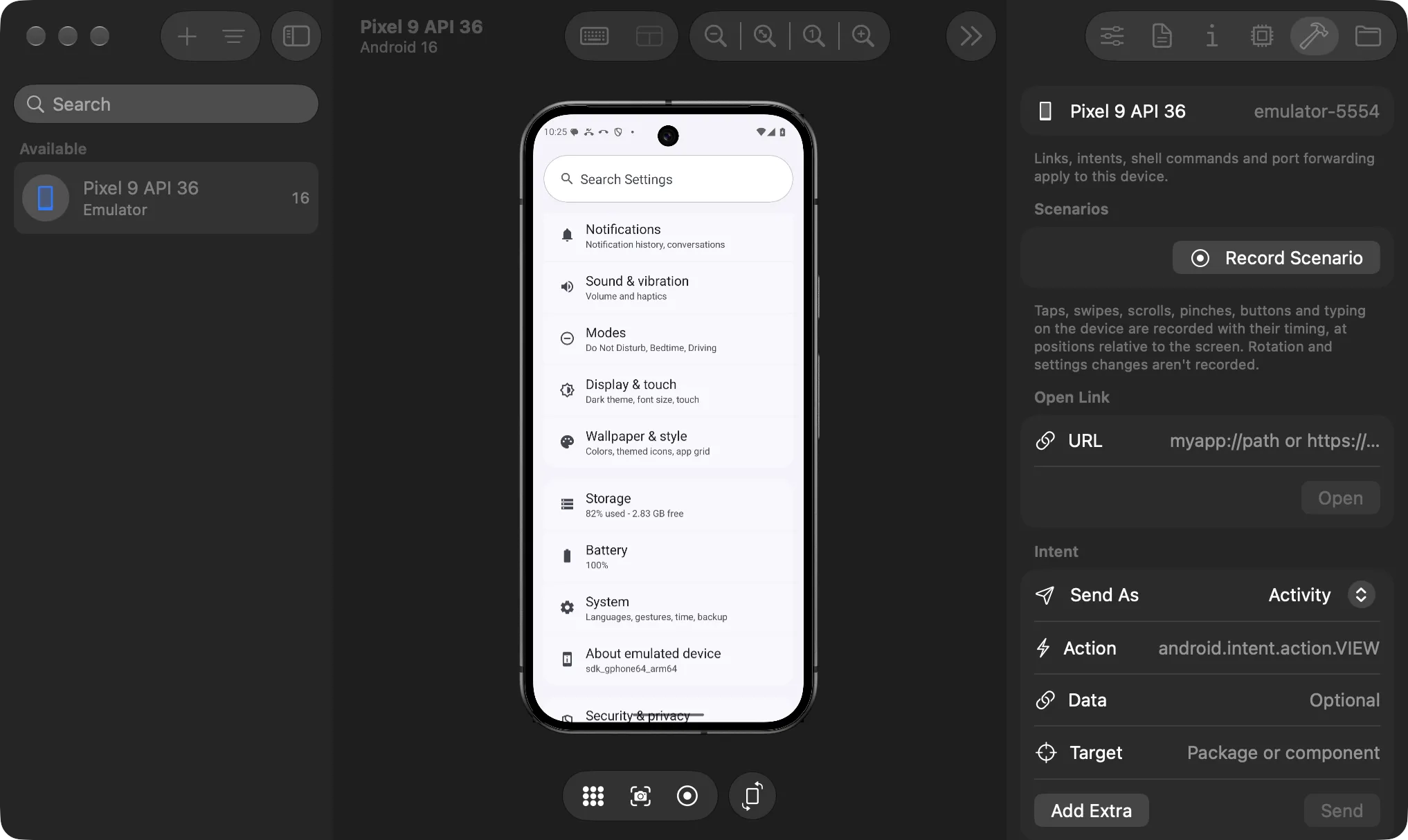
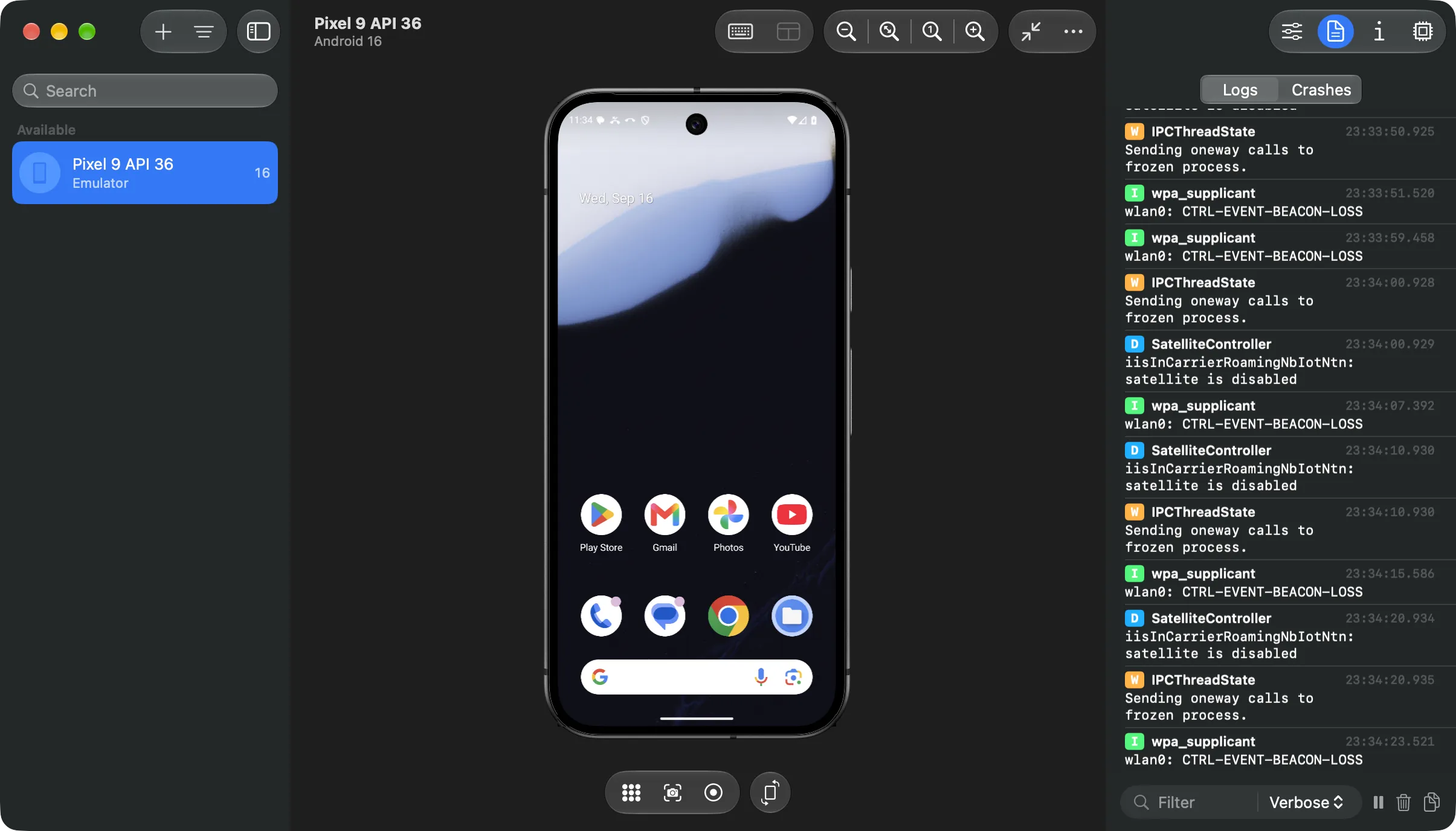
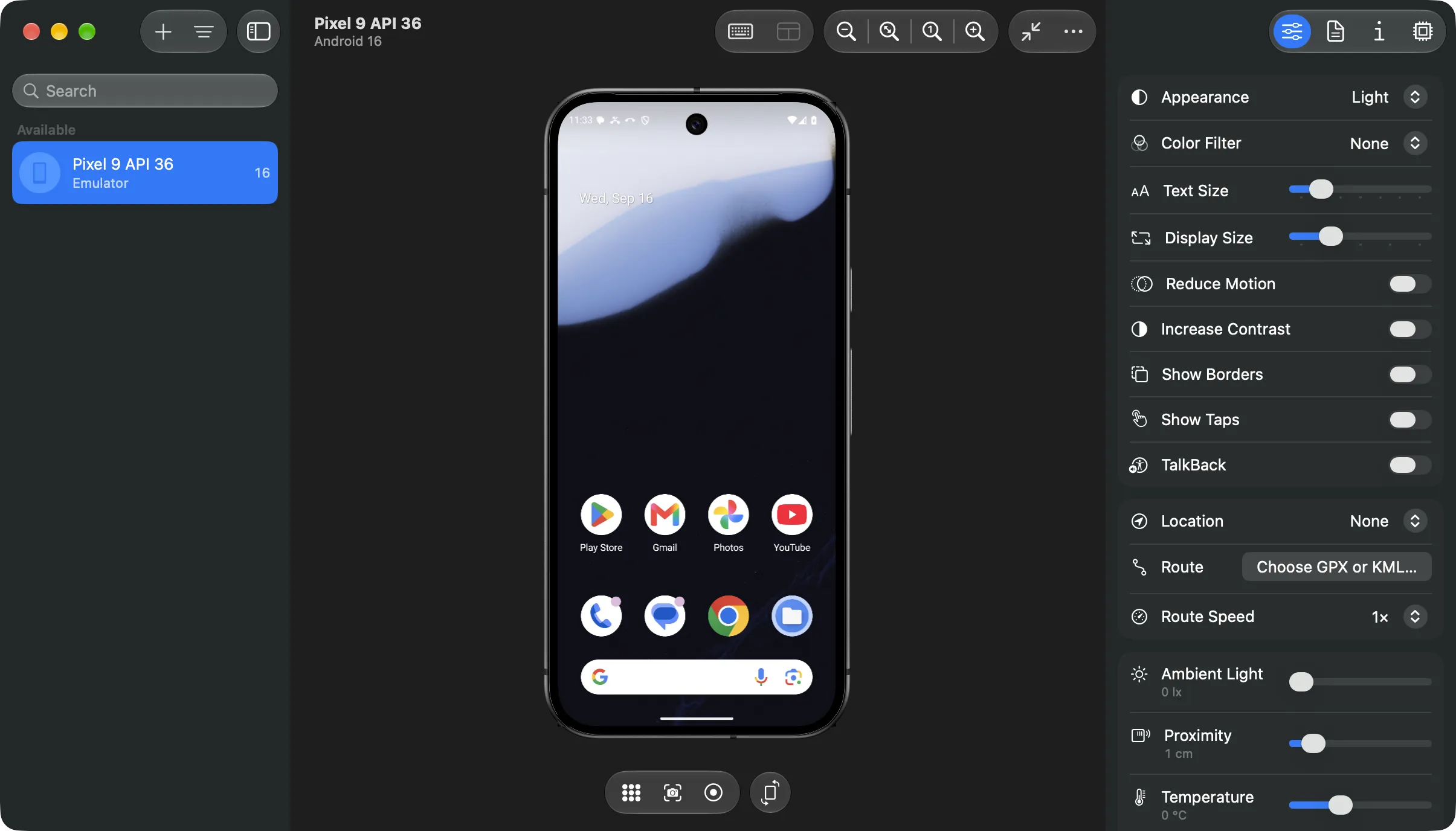
Liman streams the emulator's screen into a native window with its real device frame. Tap, swipe and scroll with your trackpad, and type with your Mac keyboard, including Turkish and other international text, dead keys and emoji.
- Copy and paste between your Mac and the device
- Screenshots and screen recordings saved to your Desktop
- Drop APKs on the screen to install them, or any file to copy it to Downloads
- Install one build on every connected device at once — APK, AAB or APKS
- Zoom to fit, physical size or any scale, with a compact window mode